After the tournament is complete, the last step in the process would be to post player scores. With a DotGolf integration, the posting process is very simple, and easy to accomplish.
At the conclusion of the tournament, go to the scoring tab, and the sub- tab post:

This will bring administrators to a screen where the posting process begins. Select the rounds that need to be posted by using the checkbox:
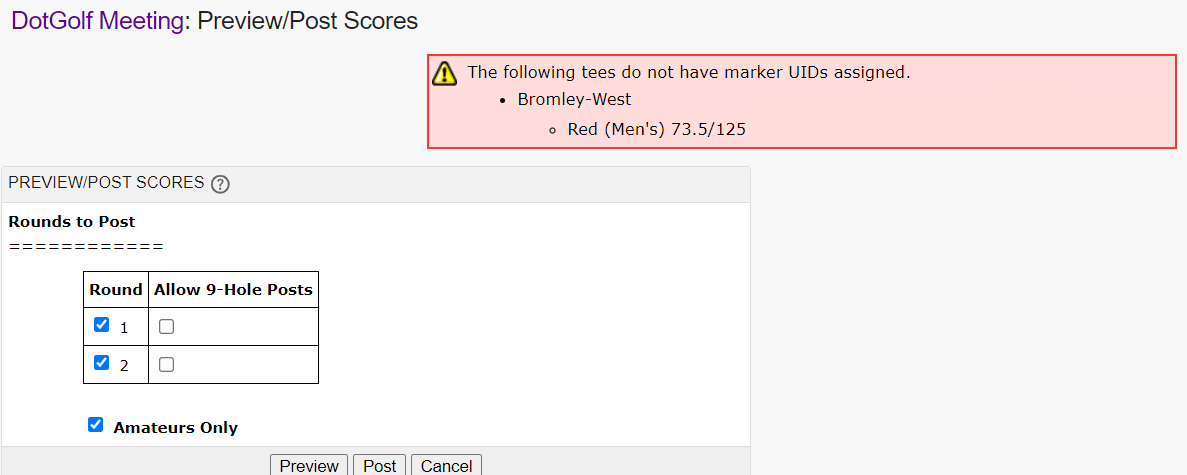
Note- If you see any error messages appear, the tees are not setup properly for the scores to post successfully. The error would have to be identified, and fixed.
Preview Scores
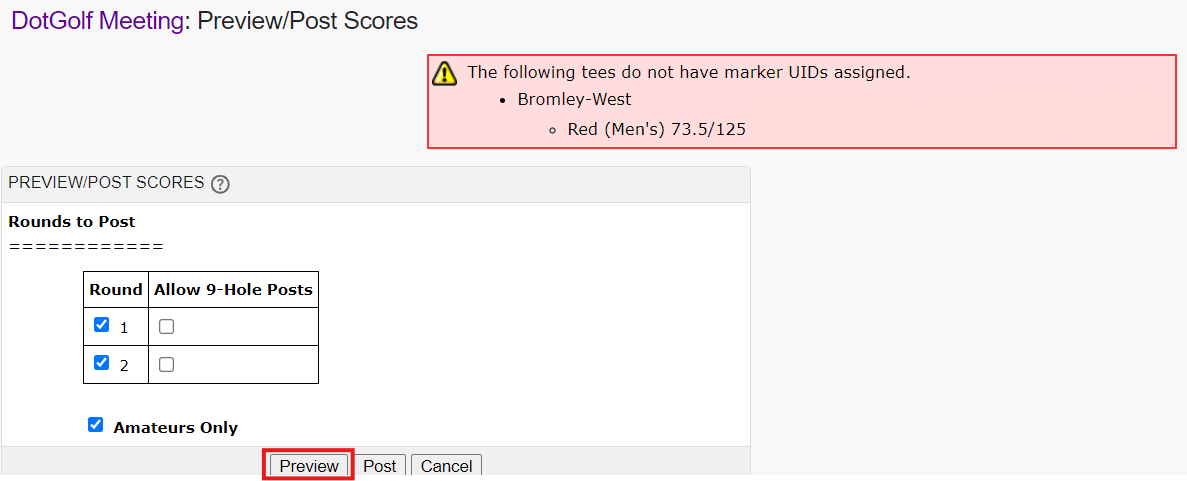
Before posting scores, BlueGolf always recommends previewing the score posting to catch any errors that may come up. Select PREVIEW:
Locate the errors that may come up. In this scenario, there is one error due to a tee not being mapped correctly:
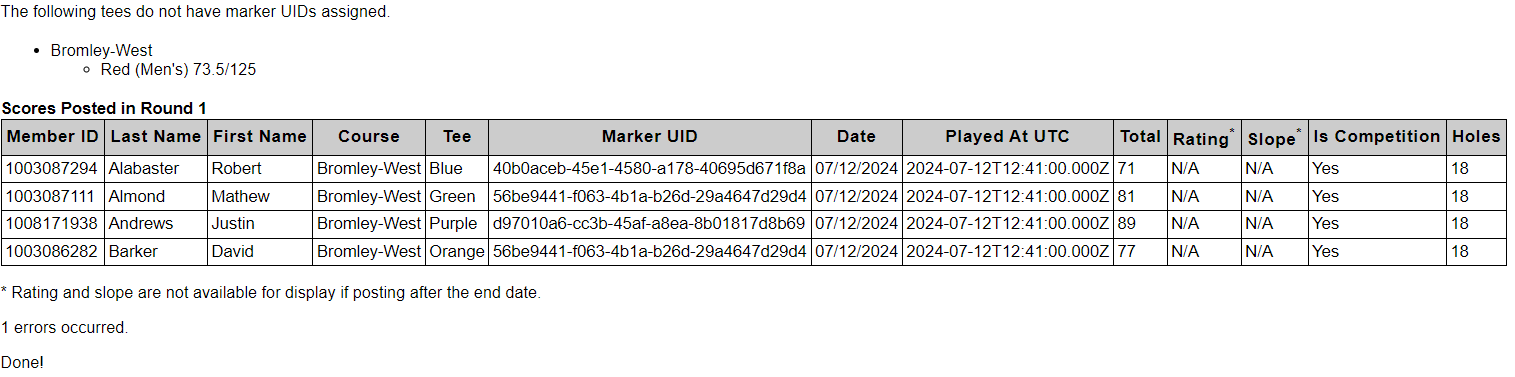
Once any errors are resolved, select POST.
Notes:
9 Hole scores require front nine/ back nine tee markers on DotGolf to post correctly
There is no “Round Type” that needs to be specified. All rounds will be sent as “Competition Rounds”
Was this article helpful?
That’s Great!
Thank you for your feedback
Sorry! We couldn't be helpful
Thank you for your feedback
Feedback sent
We appreciate your effort and will try to fix the article